App Dev · · 4 min read
NetLay: Pulses, passwords and slow cables
A travelling dot on every cable, accounts and view-only sharing, and showing that a device is slow rather than down without drawing a single graph.
A pulse along every cable#
This is the feature that does the least and that I would defend the hardest.
Every cable on the map now has a small dot travelling along it, from the device towards the cabinet. It is an SVG animation following the line, so it costs almost nothing, and the travel time scales with how long the cable actually is, within sensible limits, so a fibre run between buildings takes visibly longer than a patch lead.
The detail I am pleased with is that they do not all move in step. Dots that set off together look like a machine. I spread their starting positions using the golden ratio against the record's id, which sounds like showing off but is the cheapest way to get a spread that never clumps, and the result is a map that looks like traffic rather than a metronome.
A cable to a device that is down gets no dot at all. That is the part that matters. Dead things are the only still lines on the map, so a problem reads as stillness, and you spot it from across the room without reading a word. There is a toggle to turn the whole thing off for slower machines, remembered per browser.
Letting other people in.#
Up to now NetLay had no idea who you were. That was fine while it was a thing on my desk and completely unacceptable the moment anybody else could reach it.
The first run now asks for an administrator account, and from there an admin can create users, reset passwords, promote, disable and delete them.
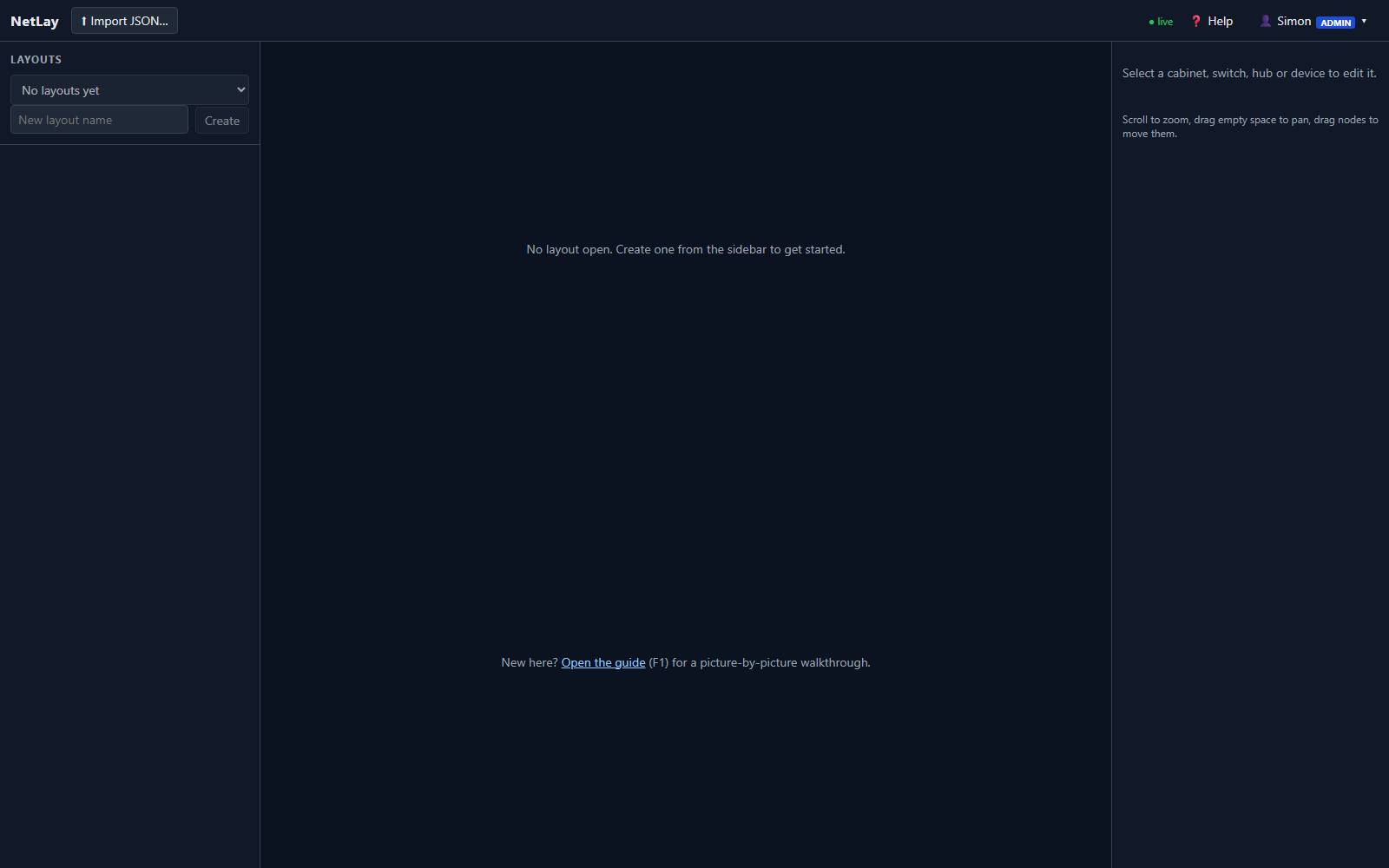
Sessions are cookies that last thirty days, signed with a key kept in the data folder or taken from an environment variable, and passwords are bcrypt hashes. The WebSocket that pushes live status uses the same cookie at handshake, because an unauthenticated side channel that tells you which addresses are alive would be a strange thing to leave open.
Layouts have an owner now, and can be shared with other users as viewer or editor. A viewer can look and export, an editor can change things but cannot share the layout on or delete it. All of that is enforced on the server on every endpoint, not hidden in the interface, because hiding a button is decoration and not security.
One decision in there I think is worth stating out loud. Asking for a layout you have not been given returns a not found rather than a forbidden. Forbidden is a more accurate answer and it also tells the asker that the thing exists, and on a tool whose entire content is a description of somebody's network, I would rather not confirm anything to anyone.
Live status is filtered per user over the socket as well, so you only ever receive updates for devices in layouts you are allowed to see.
Slow is not the same as down.#
The status dot had two states, up and down, and real networks spend a lot of time in neither.
There are two thresholds in the ping settings, slow and very slow, at one hundred and three hundred milliseconds by default. Admin only, and the first has to stay below the second, which is a validation rule I added after setting them the wrong way round and producing a map where everything was simultaneously fine and terrible.
A slow device gets an amber dot, a very slow one gets orange, there is a halo on the line with the round trip written next to it, and the pulse slows down to match, two and a half times slower for slow and five times for very slow. You can see a struggling link from the other side of the room because its dot is crawling.
The honest caveat, which is in the legend as well as here: this is latency measured from the machine running NetLay, not from wherever you are sitting. If you are looking at the map over a VPN from home, the numbers are still the server's view of the network and not yours.
What people asked for first#
I showed this to a couple of people who look after networks for several businesses, and their first question was the same one both times. Can it watch sites it cannot reach?
Not yet. The design is written down: a small agent at each site making one outbound connection back, a one time enrolment token, and organisations so one tenant cannot see another. It is designed and not built, and it could not have been built before this post, because remote probes without accounts would have been a security incident with a progress bar.
Next time, exporting the map as a picture you can put in a document, and asking the app to trace the path between two devices.